
Use UBTgo to push your debit card to your mobile wallet

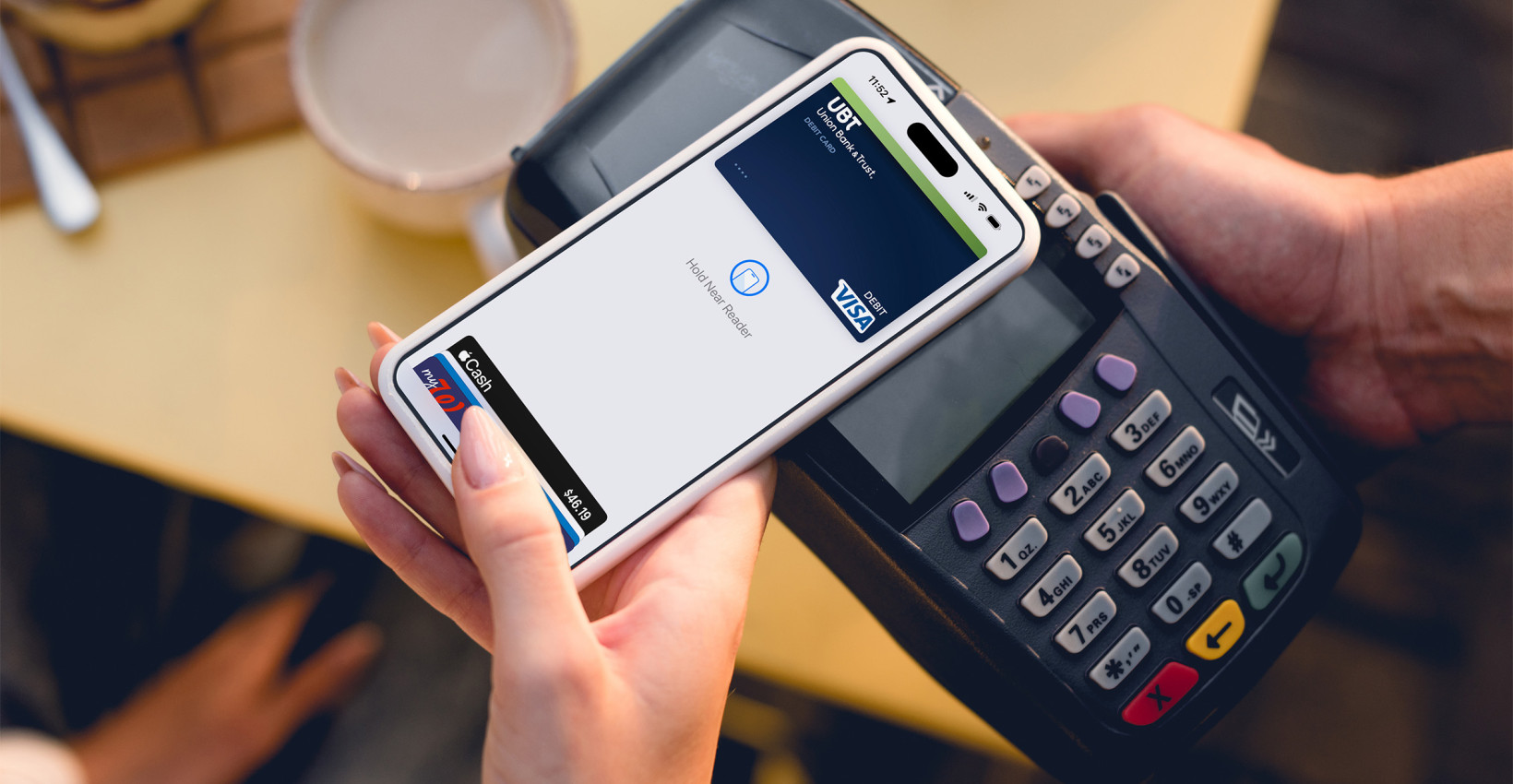
Using a mobile wallet can be a game changer — many folks wonder how they ever got by without it. And unlike a physical debit or credit card, you don’t risk losing it or having your information fall prey to prying eyes. The biggest hurdle for many is just getting it set up, and that’s much easier than you think using UBTgo. Here’s how:
- Log in to UBTgo.
- Navigate to Debit Cards.
- From there, click the prompt under the card image to add it to your mobile wallet.
- Confirm your card’s information when prompted, then click Add to Mobile Wallet.
And that’s it — your UBT debit card will be available to use in your phone’s mobile wallet. You’re ready to start tapping your way to fast, easy, and secure payments wherever contactless transactions are accepted.

Learning Center articles, guides, blogs, podcasts, and videos are for informational purposes only and are not an advertisement for a product or service. The accuracy and completeness is not guaranteed and does not constitute legal or tax advice. Please consult with your own tax, legal, and financial advisors.
